Introducing a brand new OnboardingKit
Oct 30, 2026 ·
Say hello to the new OnboardingKit, a Swift & SwiftUI SDK that helps you create flexible onboarding experiences on all major Apple platforms, and that replaces the old, open-source project.
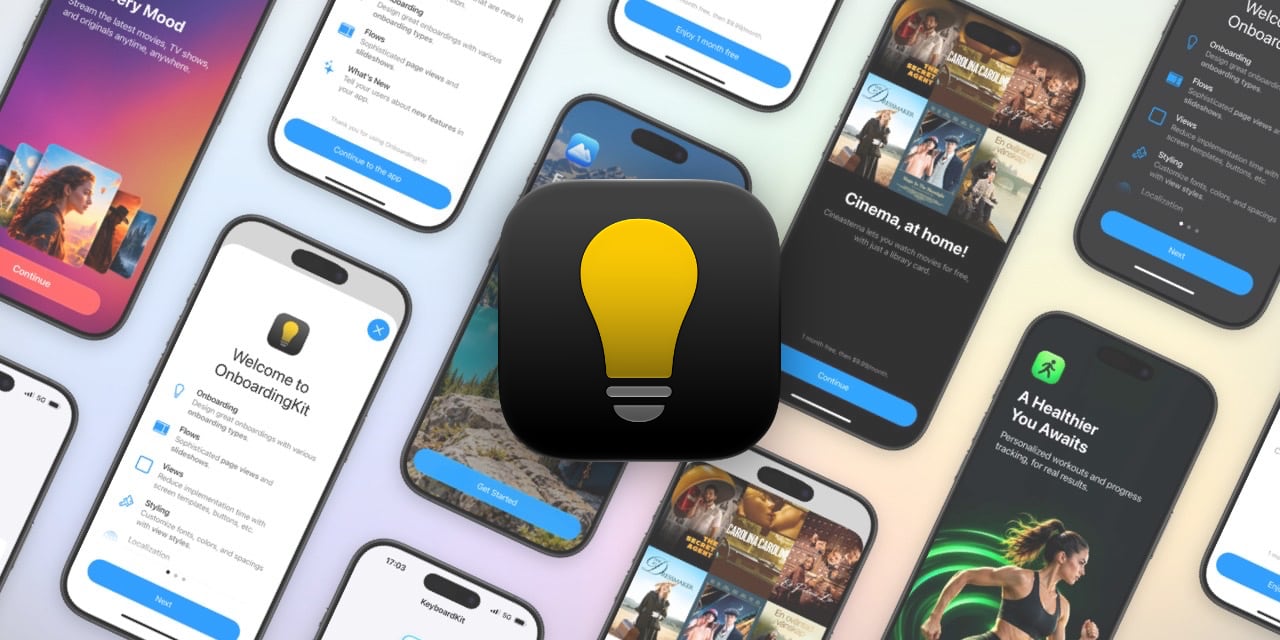
This is the first project to make the move that I wrote about yesterday, which means that it’s closed-source and requires a license. In this post, I’ll give you a tour of what it can do.
What it is
OnboardingKit has core models for modeling a great onboarding experience, flows for presenting a sequence of pages, and ready-made screens that you can drop into your app.
It supports iOS 17, macOS 15, tvOS 17, watchOS 10 & visionOS 1. Everything can be styled, localized and used as stand-alone views.
Screens
OnboardingKit has several screen templates. Some aim to fit into the Apple ecosystem and feel like Apple’s own, while the stylized ones help you create a unique first impression.
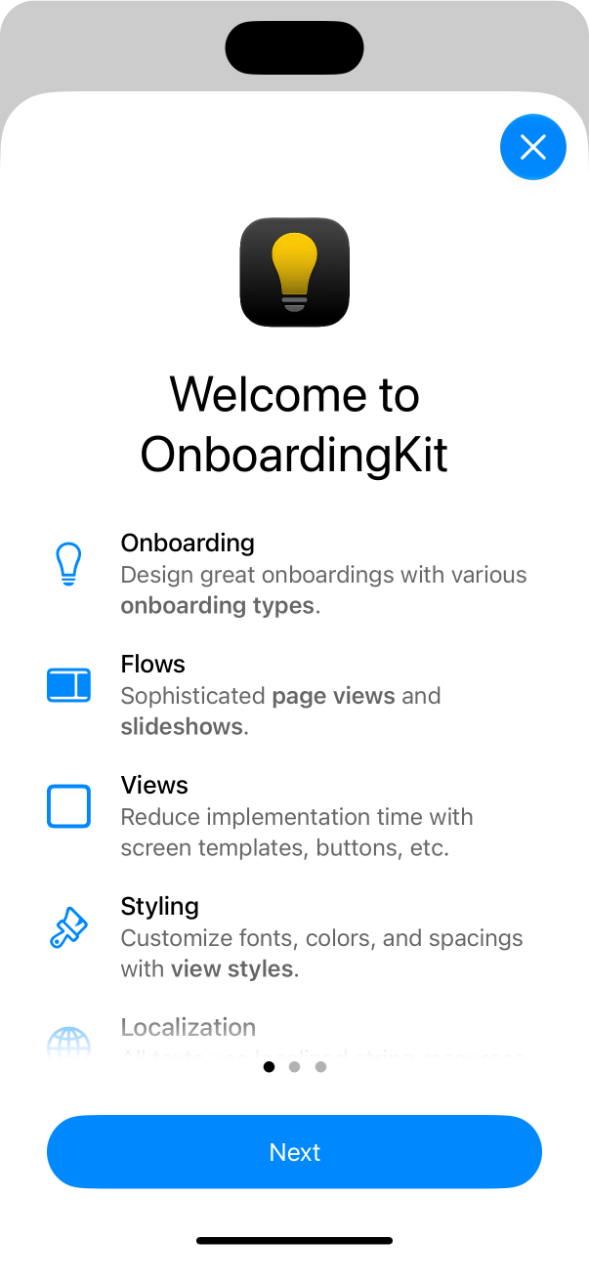
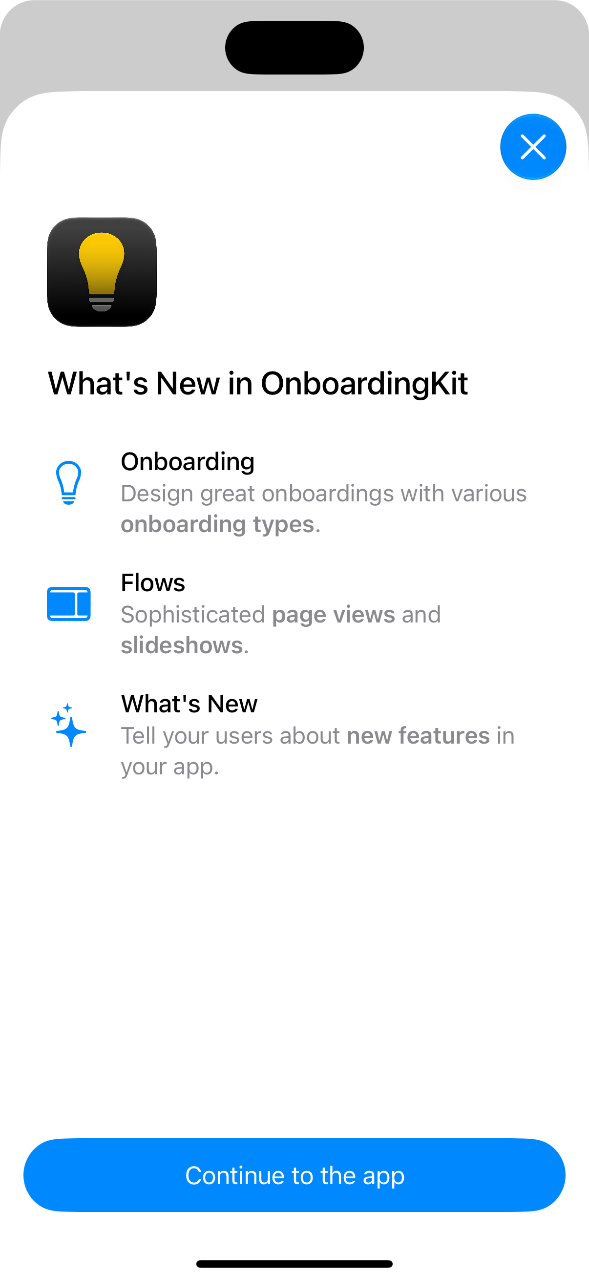
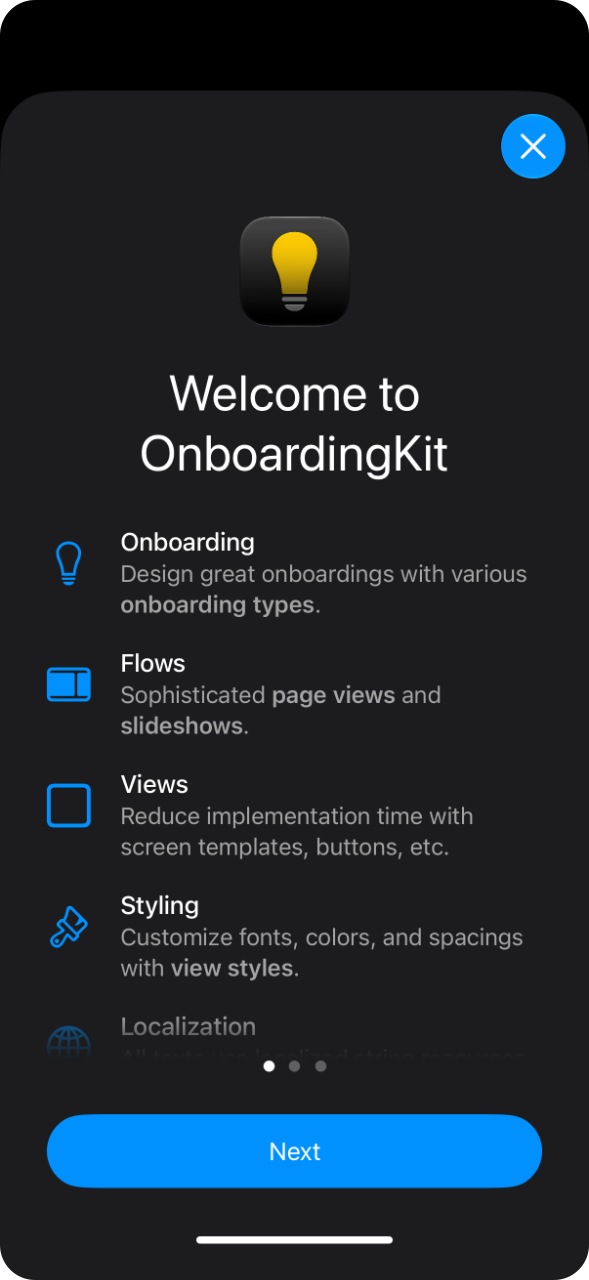
An OnboardingWelcomeScreen greets users with an icon, text, and a list of your app’s most important features. An OnboardingWhatsNewScreen tells them what changed. An OnboardingPromoScreen shows a feature or an offer with a large image and a call to action, and an OnboardingCoverScreen welcomes users with a full-screen background.
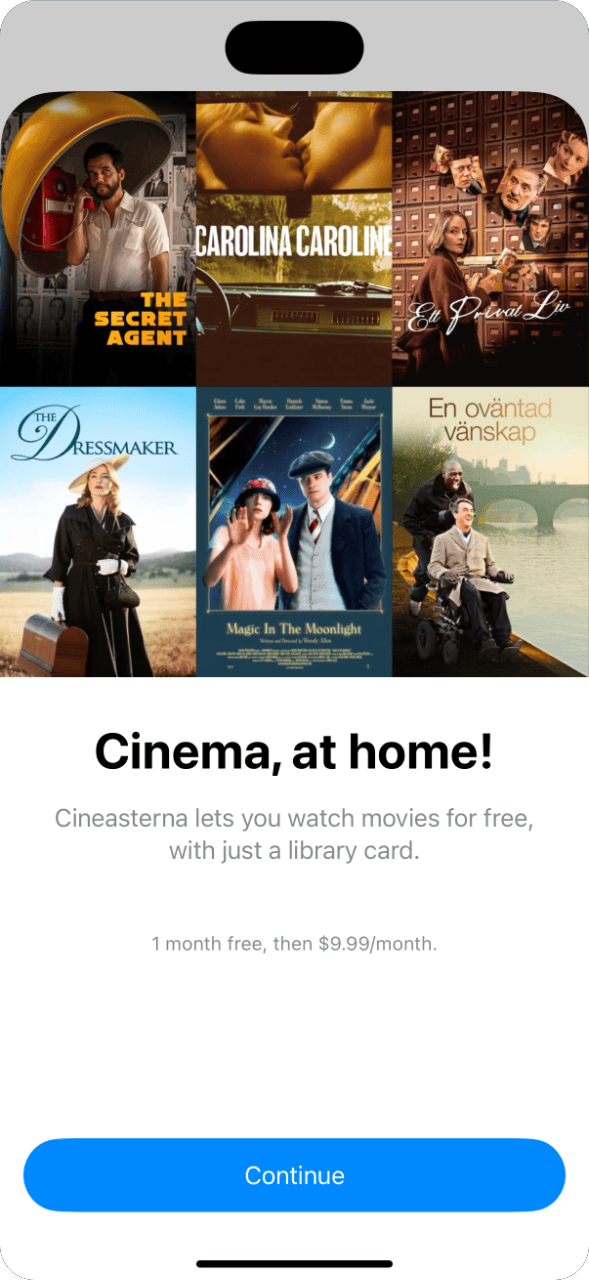
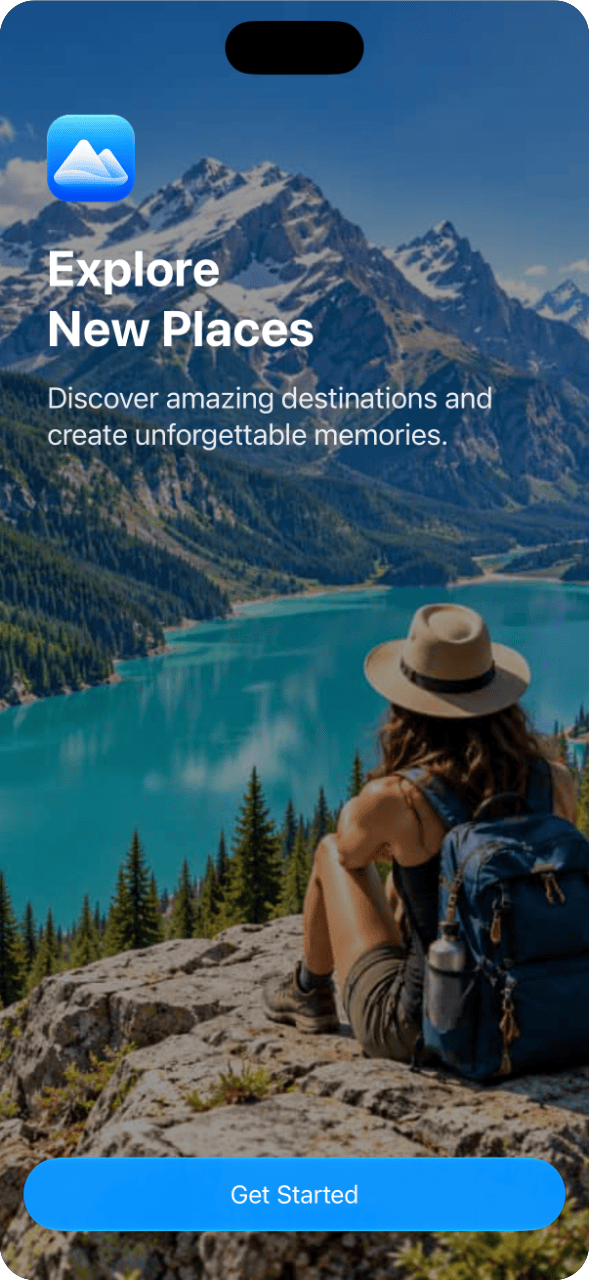
The cover screen can use a background image, as well as a bottom image, which allows it to express very different looks and feels while preserving the same core structure:
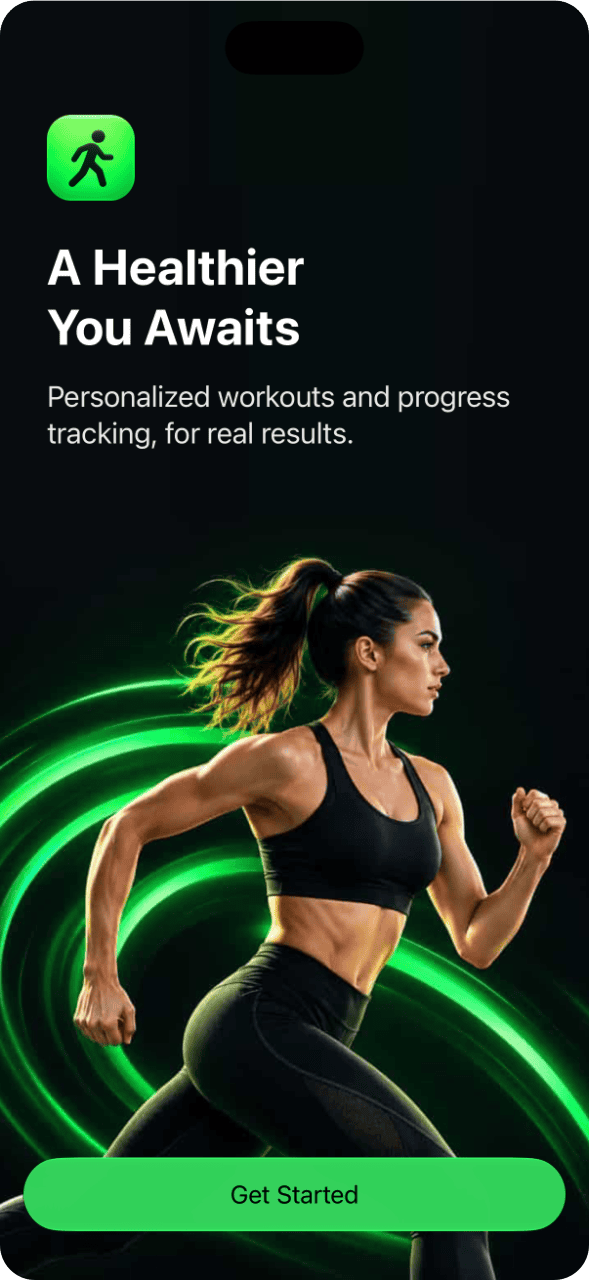
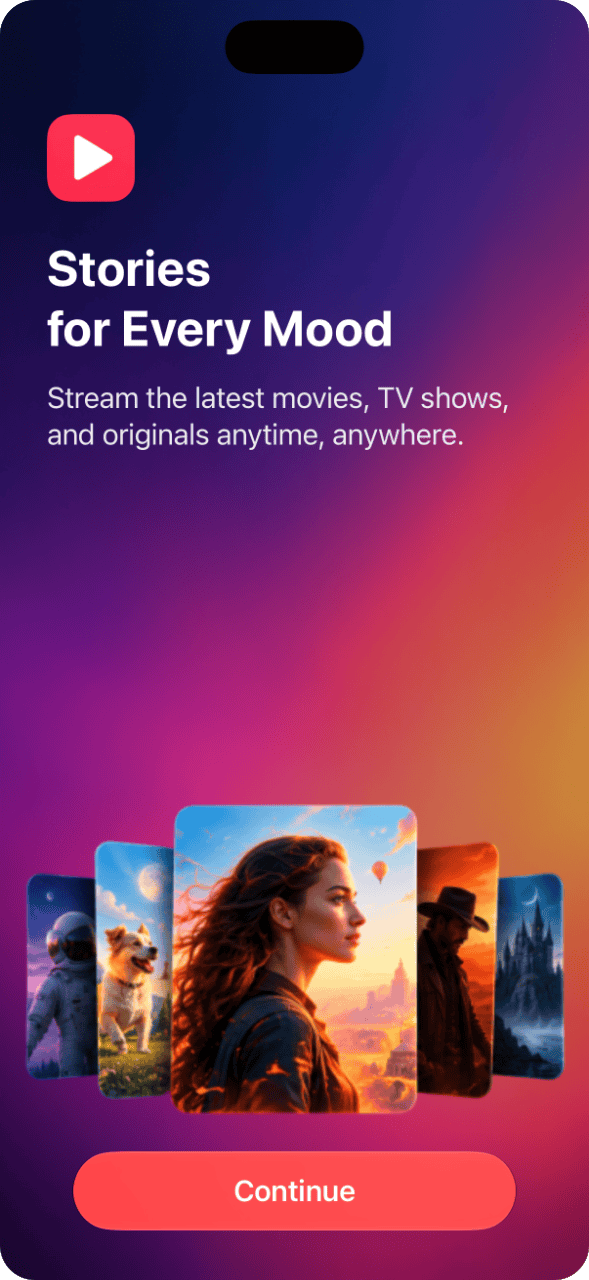
All screens can be used as stand-alone screens, or as pages in a flow. Creating one is just a matter of providing your content:
OnboardingWelcomeScreen(
    icon: Image(.appIcon),
    welcomeTitle: "Welcome to",
    title: "My App",
    text: "My App helps you do amazing things.",
    usps: [
        .init(
            title: "Fast",
            text: "My App is **really** fast.",
            image: Image(systemName: "bolt")
        ),
        .init(
            title: "Private",
            text: "Your data never leaves your device.",
            image: Image(systemName: "lock")
        )
    ]
)
Most screens has a separate content view, which means that you can get the raw view without any paddings or scrolls. For instance, OnboardingWelcomeScreen has an OnboardingWelcomeScreen.Content.
All texts are LocalizedStringResource values, which means they support string catalogs, markdown, and key symbols. All screens also adapt to dark mode:
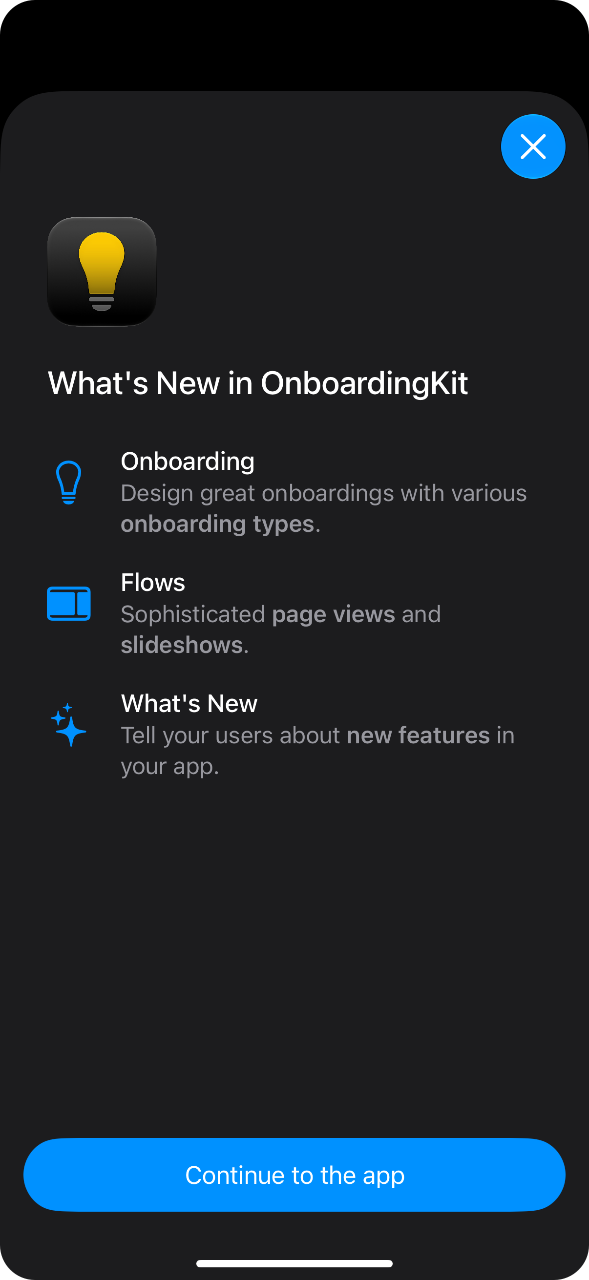
Every screen can be styled with screen-specific style modifiers. Since styles are environment values, you can also apply them to a parent view.
Flows
OnboardingKit has two flow containers for presenting a collection of pages. An OnboardingPageFlow lets the user navigate manually, while an OnboardingSlideshow progresses automatically:
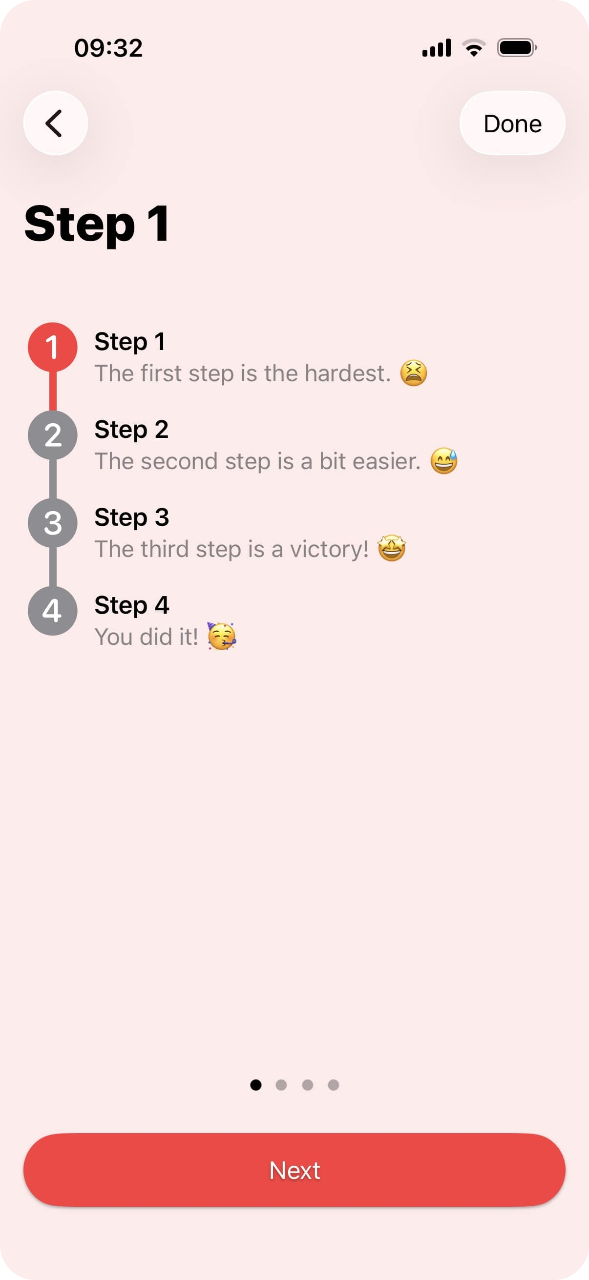
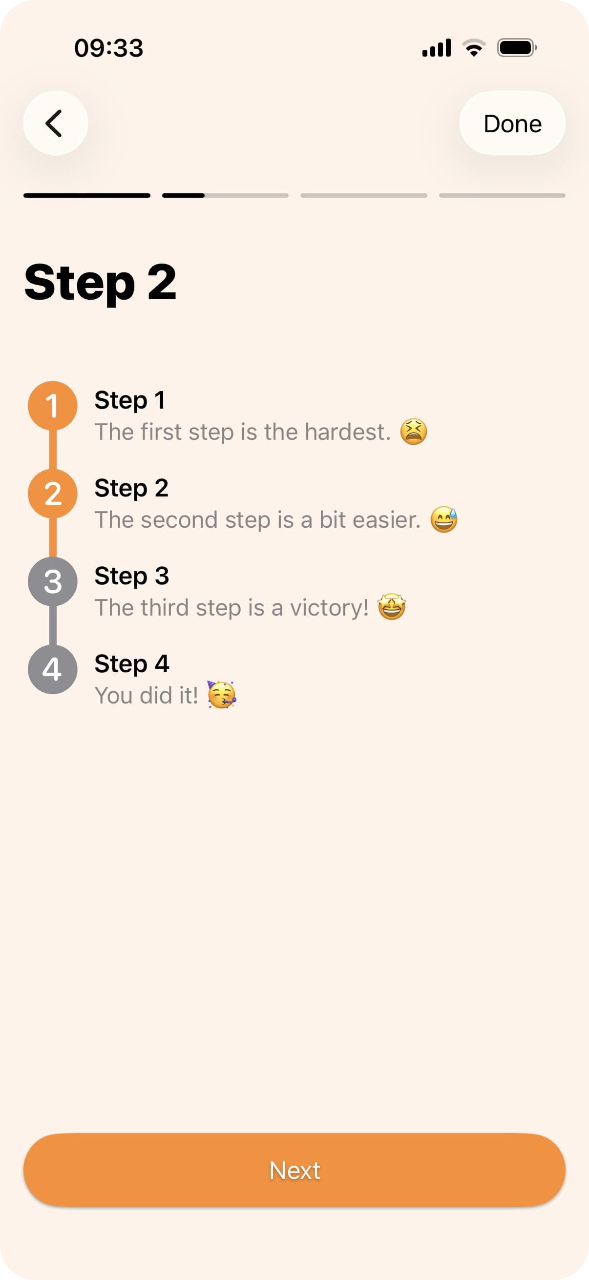
Both flows use the same page state, and can render any page content, so you can mix the built-in screens with your own views and add button buttons that adapt to the page state:
OnboardingPageFlow(
    state: state,
    content: { page in
        OnboardingPageContent {
            Text("Page \(page.pageIndex + 1)")
        }
    },
    bottomButtons: { state in
        OnboardingButton(state.isLastPage ? "Done" : "Next") {
            withAnimation {
                state.showNextPage(orDismiss: dismiss)
            }
        }
    }
)
Onboarding types
An Onboarding determines when an onboarding experience should be presented. You can use it to present a sheet, a modal, a popover, a flow, or anything you want. There are several types:
regularis presented right away, and only once.conditionalis presented when a condition returnstrue.delayedis presented after a certain number of attempts.correctBehavioris used to establish a desired behavior, by presenting until the user gets it right.sequencepresents the first onboarding in a list that should be presented.whatsNewis only presented if there are new items to tell the user about.
To use one, just call tryPresent:
Onboarding.regular(id: "welcome").tryPresent { _ in
    // Show a sheet, modal, popover, or anything you want.
}
OnboardingKit keeps track of what the user has seen, so you don’t have to.
USPs & What’s new
A “unique selling point” is described by an OnboardingUsp, with an icon, an optional title and a text. An OnboardingUspList animates them in one after another when it appears:
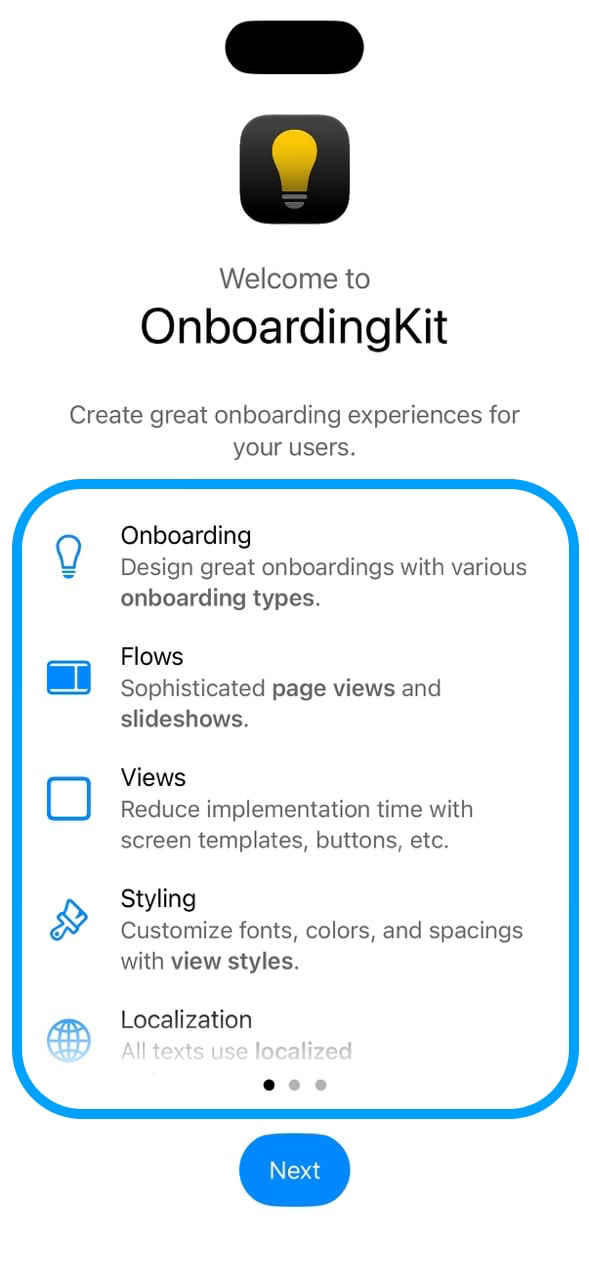
OnboardingKit can also tell users about new features. An OnboardingWhatsNew is a “versioned USP”, and an OnboardingWhatsNewInfo gathers them and remembers the last version the user has seen:
let info = OnboardingWhatsNewInfo(id: "whats-new", items: [
    .init(
        version: "1.1",
        title: "Sync",
        text: "Your data now syncs between your devices.",
        image: Image(systemName: "icloud")
    )
])

Onboarding.whatsNew(info: info).tryPresent { items in ... }
Versions are compared numerically, so 1.10 correctly comes after 1.9, and users will only see the items that are new to them.
And more
There are also feature-agnostic views that you can use to build your own onboarding screens, like:
OnboardingButton, a large, full-width button with primary, secondary and glass variants.OnboardingPageContent, which centers content and applies paddings and max widths.OnboardingVerticalProgressList, lists steps where all steps up to the current one are highlighted..onboardingPopover, which presents popover hints from any view, regardless of platform.
Getting started
OnboardingKit is installed with the Swift Package Manager:
https://github.com/Kankoda/OnboardingKit.git
You then register your license with code or by wrapping your app content in an OnboardingApp view:
@main
struct MyApp: App {

    var body: some Scene {
        WindowGroup {
            OnboardingApp(.gumroad(licenseKey: "your-license-key")) {
                ContentView()
            }
        }
    }
}
You can also use the .onboardingKitLicense(...) modifier on your content view, if that looks better.
The online documentation has a getting-started guide, detailed articles and code for every feature.
Why is it closed-source?
I explain this in yesterday’s post, but the short version is that it’s hard to motivate maintaining 20+ open-source projects in a vacuum, while everything I publish ends up as AI training data.
Making OnboardingKit closed-source lets me keep it off the hands of AI, and gives me a reason to keep improving it. The old, open-source version is still there, MIT licensed, and free to keep using.
The license is powered by my own LicenseKit engine, so there’s nothing complicated going on.
What does it cost?
Not much. I have intentionally kept the price low, since I want this to be an easy pick for any indie developer or team. You can start with a free license, after which the paid license is cheap enough that it should be a no-brainer if you use OnboardingKit in a real app.
You can read more and sign up for a license on the product website.
Conclusion
The new OnboardingKit is more capable and polished than the old one, and I have lots of plans for it. If you’re building an app that needs an onboarding experience, I hope you’ll give it a try.
Discussions & More
If you found this interesting, please share your thoughts on Bluesky and Mastodon. Make sure to follow to be notified when new content is published.